

Phone automation for businesses
Always connected, from anywhere
Connect your company phones and see the SMS they receive in one panel, in real time, wherever you are.
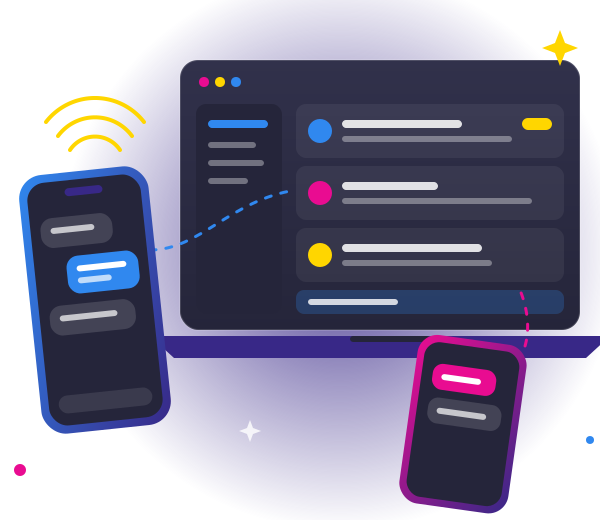
1 panel
for every phone
Live
SMS arrive instantly
90 days
of saved history
ES · EN
in Spanish and English
Everything on your phones, in one place
No more passing phones around or asking for screenshots.
Many phones
Connect the phones of every branch or team and label them by number.
Real time
Each SMS shows up in the panel as soon as the phone gets it.
Everyone sees their own
The admin sees everything; each user, only their assigned numbers.
Search and filter
Find a code or a sender among all your messages.
Export
Download your messages as CSV or PDF whenever you need them.
Secure
Encrypted data, revocable access and automatic deletion after 90 days.
Ready in three steps
No complicated setup: if you can scan a QR code, you can do this.
- 1
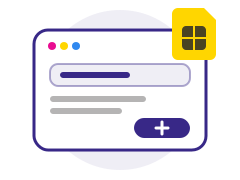
Create the number
In the panel, add the phone number and give it a name.
- 2
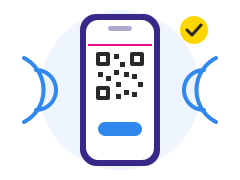
Link the phone
Open the Jump2bot app on that phone and scan the QR code.
- 3
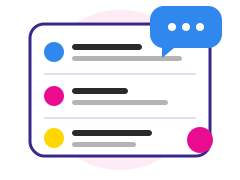
Get the SMS
From then on, every message reaches the panel and the app.
What's next
Beyond SMS
We will keep adding features so your team spends less time watching the phone and more on what matters.
- Alerts when an important message arrives
- Call log for every number
- Automatic replies and tasks
Frequently asked questions
Which phones can I connect?
Any Android phone in your company. We recommend one dedicated phone per number.
Does it work with iPhone?
To read messages, yes: the panel works in any browser. To receive them you need Android, because iPhone does not allow reading SMS.
Who can see the messages?
Your organization's admin sees all of them. Each user only sees the numbers the admin assigns to them.
How long are they kept?
Messages are kept for 90 days and then deleted automatically.
Ready to connect your phones?
Sign in to the panel with the account your organization gave you.
Go to the panel